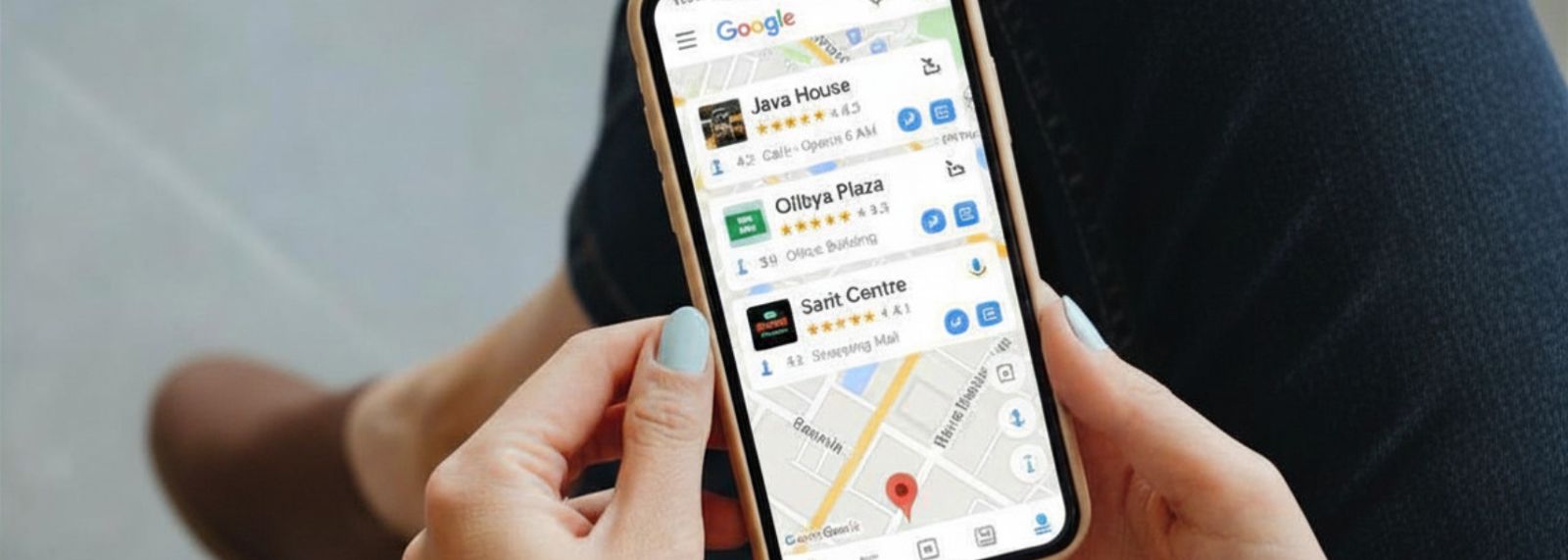

When someone in Nairobi searches "pharmacy near me" or "best restaurant Westlands," the three businesses that appear at the top with a map, star ratings and a call button are not there by accident. They set up and optimized their Google Business Profile.
If your business is not there, you are invisible to customers who are ready to spend money right now. Setting up a Google Business Profile is free and takes less than an hour. For most Nairobi businesses, it is the fastest way to start getting calls from Google without paying for ads.
This guide walks you through the full process for 2026.
What is a Google Business Profile?
A Google Business Profile (formerly called Google My Business) is a free listing that controls how your business appears on Google Search and Google Maps. It shows your business name, address, phone number, opening hours, photos, customer reviews and a link to your website.
When someone searches for a local service in Nairobi, Google shows a "local pack" - three businesses with a map at the top of the results page. Getting into that local pack is the goal and your Google Business Profile is how you get there.
Creating and maintaining a profile is completely free. There are no charges from Google.
Step 1: Create your Google Business Profile
1. Go to business.google.com
2. Click "Manage now" and sign in with a Google account
3. Enter your business name exactly as it appears on your signage and receipts
4. Select your business category - choose the most specific option available (for example "Italian Restaurant" rather than just "Restaurant")
5. Add your location if customers visit you in person, or set a service area if you go to them
6. Enter your phone number and website
7. Click "Finish"
Google will then ask you to verify your business. Do not skip this step. An unverified profile will not rank on Google Maps.
Step 2: Verify your business
Verification proves to Google that your business is real and that you are the owner. In 2026, Google uses several verification methods for Kenyan businesses:
Video verification is now the most common method for Kenyan businesses. Record a short, continuous video showing the outside of your building (including the street name or signage), you unlocking the door and your workspace or tools of trade. Google's system reviews the video to confirm the location is genuine.
Postcard verification sends a physical card with a code to your business address. This takes five to fourteen days in Kenya.
Phone or email verification is available for some business types and is the fastest option when offered.
Once verified, your profile goes live on Google Maps and Google Search.
Step 3: Complete every section of your profile
A complete profile ranks higher than an incomplete one. Google says businesses with complete, accurate information are more likely to appear in local search results. Work through each section:
Business name: Use your exact real-world name. Do not add keywords or location names (for example "Jebilton Ventures - Best Digital Agency Nairobi" breaks Google's guidelines and can get your profile suspended).
Category: Your primary category is one of the most important ranking signals. Choose carefully. You can add secondary categories too.
Address or service area: If you serve customers at their location rather than from a fixed address, set a service area instead. You can list multiple areas across Nairobi or Kenya.
Phone number: Use a number that someone can call during business hours. A WhatsApp number works.
Website: Link to your main website. If you do not have one yet, this is a strong reason to build one. Web design services in Nairobi
Opening hours: Keep these accurate, including public holidays. Wrong hours are one of the fastest ways to lose customer trust.
Business description: Write 150 to 300 words describing what your business does, who you serve and what makes you different. Include your main keywords naturally (for example "digital marketing agency in Nairobi" rather than forcing it in awkwardly).
Products and services: Add your key services or products with descriptions and prices where applicable. This helps your profile appear for specific product searches.
Photos: Add at least 10 photos - your exterior, interior, team, products and completed work. Profiles with photos get significantly more clicks than those without.
Step 4: Get customer reviews
Your review count and average star rating are the biggest factors in where you rank in the Google Maps local pack. A business with 50 reviews at 4.8 stars will almost always outrank one with 5 reviews at 5.0 stars.
How to get reviews from your Kenyan customers:
🟠 Ask directly after completing a job or service - most satisfied customers are happy to leave a review if you make it easy
🟠 Send a WhatsApp message with a direct link to your Google review page
🟠 Put a small sign at your counter or reception with a QR code linking to your review page
🟠 Add a review link to your email signature
Never buy reviews or ask friends to leave fake reviews. Google detects these and can suspend your profile entirely.
When you receive a review, respond to it, positive or negative. Responding shows Google and potential customers that you are an active, engaged business.
Step 5: Post regularly on your profile
Google Business Profile has a Posts feature that works like a social media feed. You can post updates, offers, events and new products directly on your profile.
Businesses that post regularly tend to rank higher than those that set up their profile and forget about it. Aim for at least two posts per month. Share new services, client results, promotions or helpful tips relevant to your industry.
Our digital marketing packages include Google Business Profile management with weekly posts, review management and monthly performance reporting.
What results can you expect?
Most Nairobi businesses that properly set up and optimize their Google Business Profile start appearing in local searches within four to eight weeks. The results depend on how competitive your area and category are.
Need help getting your business onto Google Maps, or fixing a listing that is not showing? See our Google Business Profile services in Nairobi.
FAQ
Is Google Business Profile free in Kenya?
Yes, completely free. Creating, verifying and managing your profile costs nothing. You only pay if you choose to run Google Ads on top of it, which is optional.
How long does verification take in Kenya?
Video verification is usually reviewed within three to five business days. Postcard verification takes five to fourteen days. Phone or email verification is instant when available.
My business has no physical address. Can I still appear on Google Maps?
Yes. Choose "service area business" during setup and specify the areas you serve. Plumbers, electricians, cleaners, caterers and mobile services all use this option.
Why is my business not showing up on Google Maps after verification?
A few common reasons: your profile is incomplete, you have no reviews, your category selection does not match what people are searching for or your business name and address are inconsistent across the web. Our local SEO service covers a full audit and fix for all of these.
Can I manage my Google Business Profile from my phone?
Yes. Download the Google Maps app or the Google Business Profile app and manage everything from your phone, including responding to reviews, posting updates and checking how many people called or asked for directions.
Jebilton Ventures helps Nairobi businesses set up, verify and optimize their Google Business Profile as part of our SEO services. Contact us for a free consultation.